
Airbnb's AI Photo Rules: What's Allowed (and What Gets You Delisted)

Type "AI Airbnb photos" into any search bar and you'll find dozens of tools promising to turn a dim, cluttered bedroom into a magazine spread — add a headboard that isn't there, swap in a mountain view, drop a hot tub onto the deck. Some hosts are using them. Some are getting their listings pulled for it. The line between "enhance" and "misrepresent" is exactly where Airbnb has drawn a hard rule, and it's worth knowing precisely where that line sits before you upload anything.
Why This Is Worth Getting Right
Photos aren't just decoration on a listing — they're the primary reason a guest clicks through or scrolls past. Research has shown just how disproportionately photo quality drives bookings, which is exactly why a whole category of AI photo tools has sprung up promising an instant fix. The temptation to let one of them "fix" a mediocre photo is real. So is the risk of getting that wrong.
What Airbnb Actually Allows
Airbnb's own Ground Rules for Home Hosts spell out the standard: photos and descriptions on the listing page need to "accurately represent the space provided," with only minor allowances for hotel-like representative inventory. Inside that boundary, there's real room to use AI:
- Lighting and color correction. Brightening a dark room, correcting white balance, boosting saturation slightly — all standard, all fine, whether you do it by hand or with an AI-powered editor.
- AI Photo Tour sorting. Airbnb's own AI photo tour feature automatically groups and orders your uploaded photos by room. It's organizing real photos, not generating new content, so it sits comfortably inside the rules.
- Virtual staging of existing rooms. Digitally furnishing or restyling a room is permitted, as long as the room still reflects what's actually there when a guest arrives.
What Gets Content Pulled
Airbnb is direct about the other side of that line. Straight from the Ground Rules article:
"We will ask hosts to remove content if AI or other digital technology has been used to edit flaws, hide damage, add amenities or attributes that are not part of a listing, or otherwise misrepresent the listing."
In practice, that covers the exact features the flashiest AI photo tools advertise:
- Adding a hot tub, fireplace, view, balcony, or extra square footage that doesn't exist
- Editing out visible damage, clutter, or wear instead of cleaning it up for real
- Generating furniture or a layout the room doesn't actually have
The consequence isn't a warning email you can ignore. Airbnb removes the content, and a pattern of it puts the whole listing at risk — on top of the guest complaints and bad reviews that follow when someone shows up to a space that doesn't match the photos.
One more wrinkle if you host in California: AB 723, in effect for 2026, requires any AI-altered or virtually staged listing photo to be conspicuously labeled, with the original image available right next to it. If that applies to you, factor the disclosure requirement in before you use any staging tool, AI or otherwise.
The Compliant Way to Get More Out of Your Photos
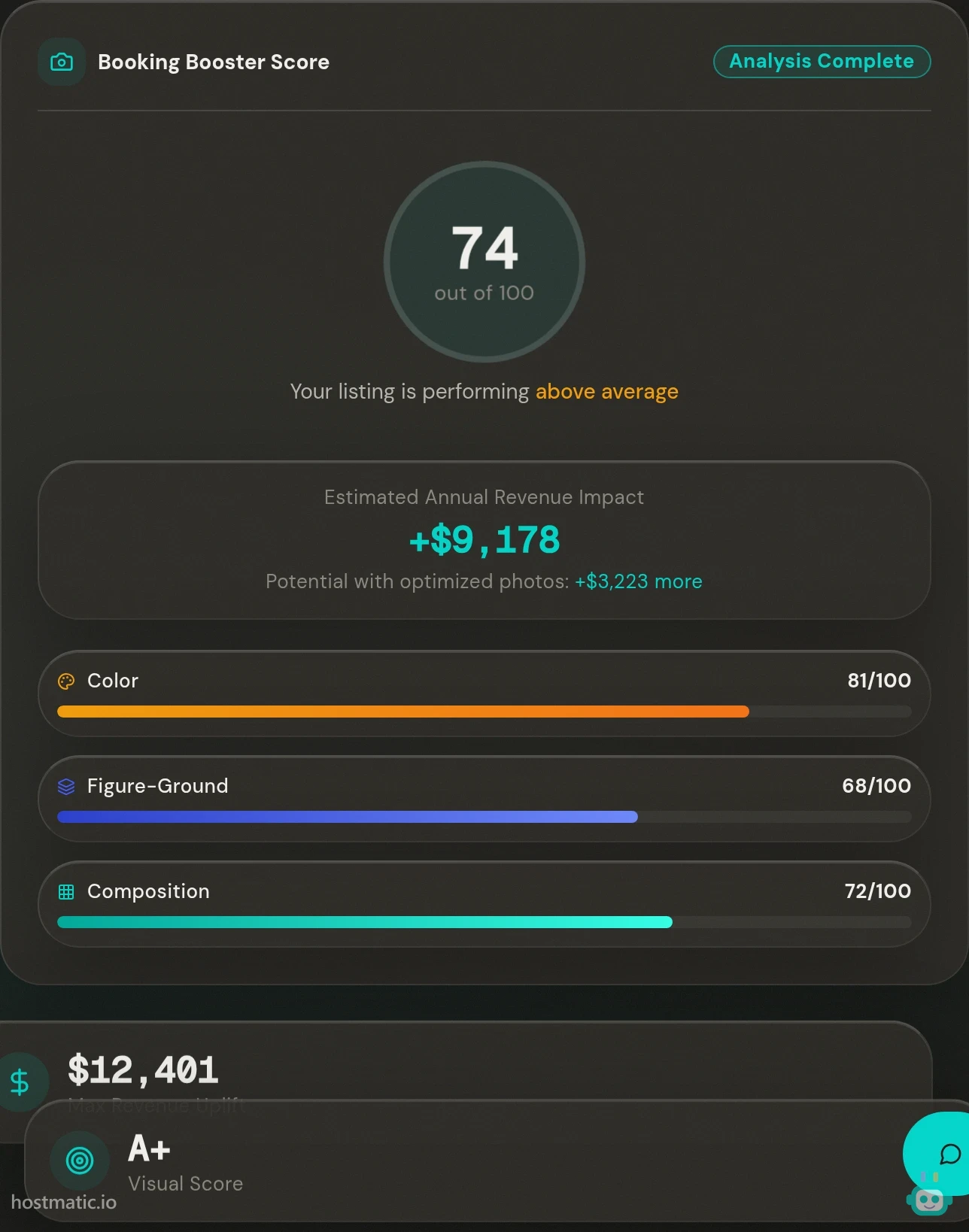
Here's the thing hosts chasing AI-generated fixes usually miss: the tools that actually move the needle on bookings aren't the ones that invent a better room. They're the ones that tell you what's wrong with the room you already photographed, so you can fix it for real — reshoot with better light, declutter the counter, recrop for composition.
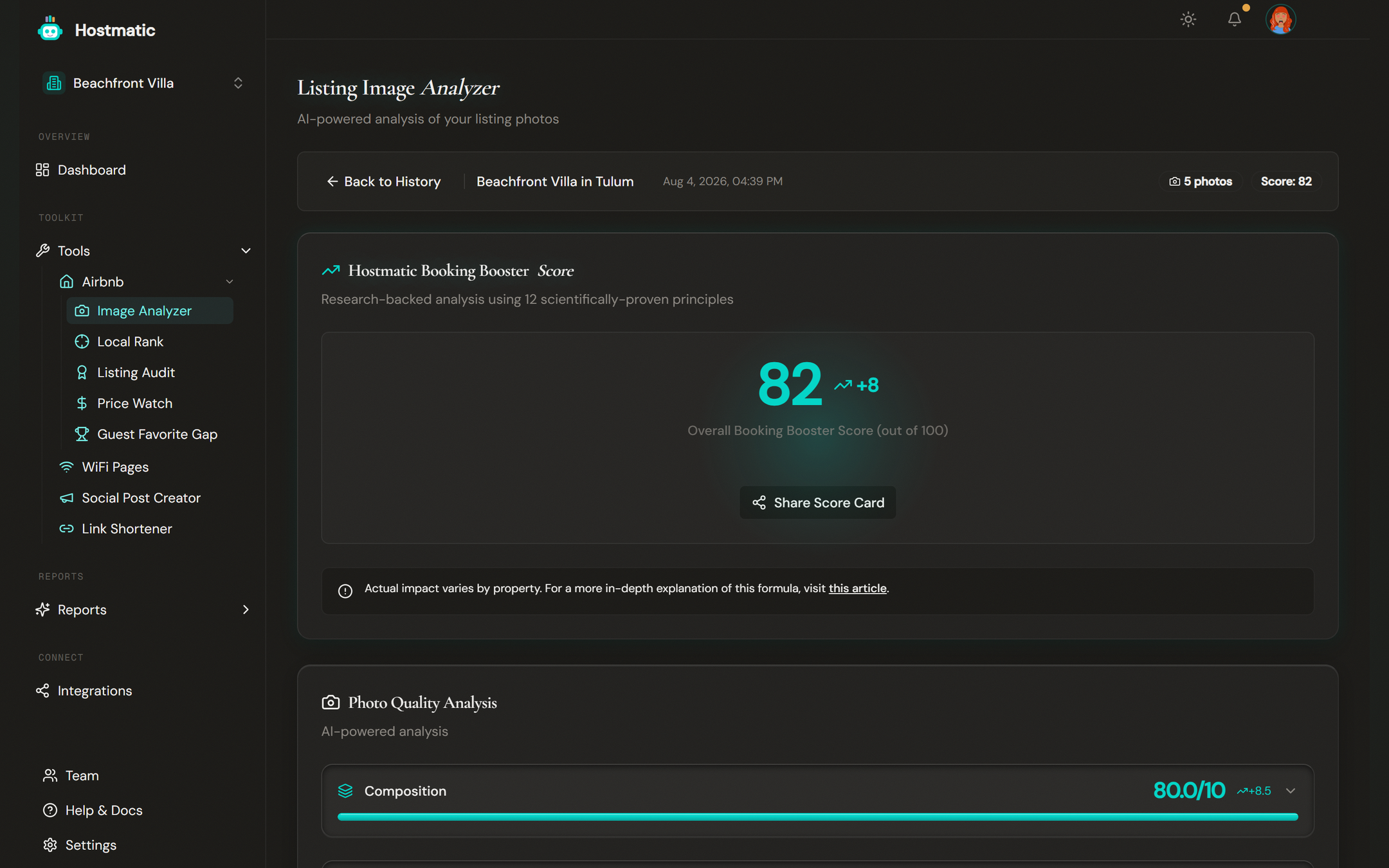
That's the entire premise behind our free Airbnb Image Analyzer. It scores your existing, unaltered photos against the same factors that influence a guest's click — lighting, composition, color, clutter — and hands you specific, per-photo feedback. No fabricated amenities, nothing to disclose, nothing that can get pulled.
Quick Reference
| Allowed | Not Allowed |
|---|---|
| Brightness, contrast, color correction | Adding amenities that don't exist (hot tub, view, fireplace) |
| AI-assisted sorting/organizing of real photos | Editing out damage, clutter, or wear |
| Virtual staging that reflects the real room | Generating furniture, rooms, or square footage that isn't there |
| AI analysis/scoring of real, unaltered photos | Staging so different a guest wouldn't recognize the space on arrival |
Your Next Step
Before you run your listing photos through any AI tool, ask one question: is it changing what's in the photo, or just helping you see what's already there more clearly? The first category is a policy risk. The second is free, compliant, and — per real host results with the Image Analyzer — often enough to meaningfully lift your booking rate on its own. Run your top five photos through the analyzer, fix what it flags, and reshoot rather than fabricate. It's slower than letting an AI invent a better room. It's also the version that keeps your listing live.
Want to dive into your booking analytics and uncover what drives bookings?
Get StartedNewsletter
Get hosting tips in your inbox
Strategies, trends, and insights. No spam.