
Vacation Rental WiFi QR Code: Your Silent Salesperson
The First 60 Seconds Decide Your Review
A host in Asheville messaged me last spring. She had great photos, competitive pricing, and solid reviews — but she kept getting 4-star ratings with vague comments like "good stay, minor issues." She couldn't figure out what was going wrong.
I asked her one question: "What happens when a guest walks in the door?"
She described a welcome basket, a printed binder, and a handwritten note. Nice touches. Then I asked about WiFi. "Oh, the password's on page 4 of the binder."
There it was.
Guests arrive after a long drive. They drop their bags, pull out their phones, and immediately try to connect. If that moment is clunky — hunting through a binder, squinting at a tiny printed password, mistyping it twice — you've started the stay on a friction note. That feeling sticks.
The fix took her about 90 seconds. She created a vacation rental WiFi QR code, printed it out, and placed it on the kitchen counter. The next three reviews all mentioned "seamless check-in" and "everything was so easy." Same property. Same host. Different first impression.
That's the power of a detail most hosts treat as an afterthought.
Why WiFi Is a Review Trigger (Not Just a Utility)
Here's something most hosts don't realize: WiFi is the single most-mentioned amenity in short-term rental reviews. Not the hot tub. Not the view. WiFi.
Research from Cornell's Center for Hospitality Research has consistently shown that the first few minutes of any hospitality experience set the emotional tone for the entire stay. Guests form impressions fast — and those impressions are sticky. A smooth arrival creates a mental narrative of "this host has their act together." A bumpy one creates doubt that colors everything that follows.
BrightLocal's research on review triggers shows that people are far more likely to leave a review when a specific moment surprised them — positively or negatively. A WiFi QR code that works instantly? That's a pleasant surprise for most guests. It signals professionalism without saying a word.
Think about it from the guest's perspective. They've probably stayed at places where they had to call or text the host for the password. Or where the password was "CabinByTheLake2019!" and they had to type it three times. When your place just works — scan, connect, done — that's memorable.
And memorable moments become review mentions.
Where to Place Your WiFi QR Code (Placement Is Strategy)
Most hosts who use a WiFi QR code put it in one place. The top 5% put it everywhere a guest might need it. There's a big difference.
The Power Positions
These are the spots that actually get scanned — not just displayed:
- Kitchen counter or island — The first surface guests set things down on. High visibility, high scan rate.
- Bedside table (both sides) — Guests who didn't connect on arrival will definitely want WiFi before bed. This is your second chance.
- TV console or entertainment area — People try to stream the moment they sit down. Put the code where they're already looking.
- Welcome book cover or first page — If you have a binder, the QR code should be the very first thing in it. Not page 4.
- Inside the front door — Some hosts frame a small sign here so it's literally the first thing guests see when they walk in.
The Overlooked Spots
These placements are less obvious but surprisingly effective:
- Bathroom mirror area — Guests check their phones in the bathroom. Yes, really. A small laminated card here gets scanned.
- Outdoor seating area — If you have a patio or deck, guests want WiFi outside too. A weatherproof display here shows you thought of everything.
- Near the coffee maker — Morning routine. Phone in hand. Coffee brewing. This is prime scanning territory.
The rule I tell hosts: put the code anywhere a guest might reach for their phone. That's your placement strategy.
How to Create a WiFi QR Code That Looks Professional
Here's where a lot of hosts drop the ball. They generate a basic black-and-white QR code, print it on regular paper, and tape it to the wall. It works technically. But it looks like an afterthought.
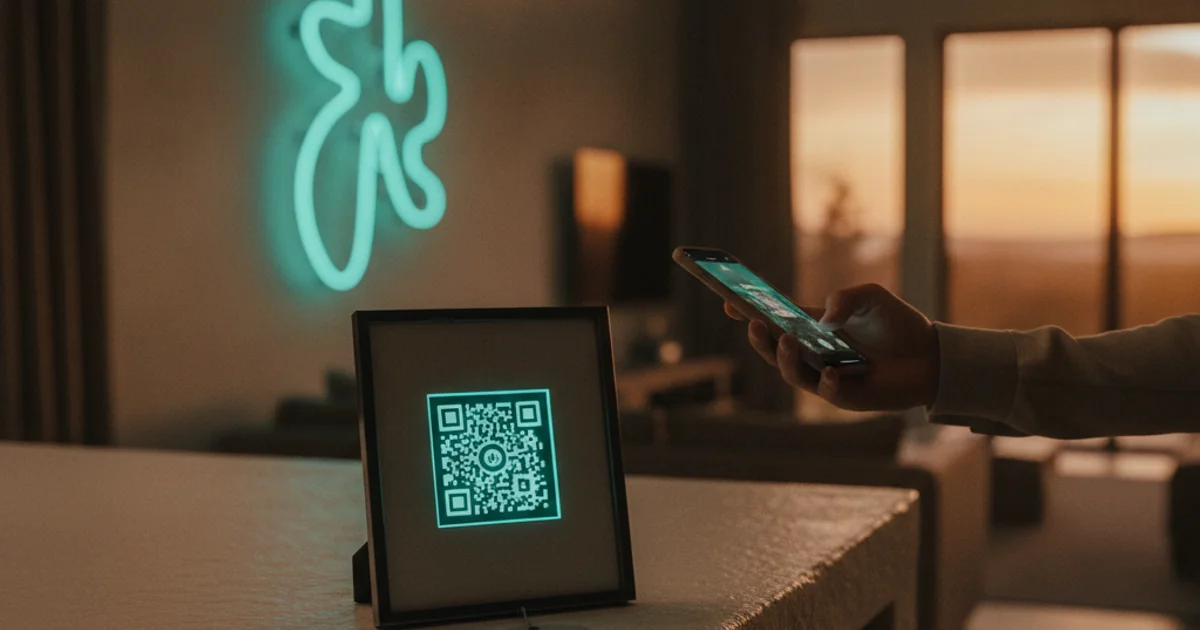
The design of your QR code display sends a signal about your property. A clean, well-designed code in a small frame says "this host cares about details." A crumpled printout says the opposite.
Creating a free QR code for your guest WiFi takes about two minutes using Hostmatic's WiFi QR generator. You enter your network name and password, and it generates a scannable code that connects guests instantly — no typing required. Works on both iPhone and Android.
A few design tips that make a real difference:
- Print at high resolution — Blurry QR codes don't scan reliably. Download the highest quality version available.
- Add a short headline — Something like "Scan to Connect" or "Join Our WiFi" above the code. Guests shouldn't have to guess what it does.
- Frame it — A $5 frame from any home goods store turns a printout into a professional display. This is the highest ROI upgrade in hospitality.
- Laminate the outdoor version — If you're placing one outside, lamination protects it and it looks intentional.
- Match your property aesthetic — If your rental has a rustic cabin vibe, use a wooden frame. Modern condo? Sleek acrylic. Details like this show up in reviews as "beautifully decorated" even when guests can't articulate why.
One thing I always check: test the code yourself before guests arrive. Scan it with a fresh phone that isn't already on the network. Make sure it works. This takes 10 seconds and prevents a frustrating guest experience.
The Review Ripple Effect
Here's the part that surprises most hosts: a WiFi QR code doesn't just prevent complaints. It actively generates positive review language.
I've tracked this pattern across dozens of Hostmatic users. When hosts add a well-placed QR code, the reviews that follow often include phrases like:
- "Everything was so easy and well thought out"
- "Seamless check-in experience"
- "Host clearly thought of everything"
- "Loved the little touches"
None of those reviewers are specifically saying "great WiFi QR code." But that's what triggered the feeling. The QR code is the iceberg — the review language is just the tip.
This is what I mean when I say it's a silent salesperson. It doesn't announce itself. It just works, and guests feel it.
The contrarian take here: most 5-star review advice focuses on big gestures — welcome gifts, local recommendations, personalized notes. Those matter. But the data I see from working with hosts suggests that removing friction beats adding extras almost every time. Guests remember when something was hard more than they remember when something was nice.
A WiFi QR code removes the single most common arrival friction point in short-term rentals. That's not a small thing.
Turning the QR Code Into a Marketing Asset
Now here's where it gets interesting. A WiFi QR code doesn't have to be a one-way street.
Some of the savviest hosts I work with use the WiFi connection moment as a soft marketing touchpoint. Here's how:
The Welcome Message Approach
When guests connect to your WiFi, some routers allow you to set a captive portal — a brief welcome page that loads automatically. You can use this to display your direct booking website, a discount code for their next stay, or a simple message asking them to follow you on Instagram.
Not every router supports this, but if yours does, it's worth setting up. The guest is already on their phone. They're already in a good mood from the seamless connection. That's the ideal moment for a soft ask.
The Review Prompt Timing
Here's a tactic almost nobody talks about: your automated checkout message is more effective when it references the arrival experience. Something like: "We hope the WiFi QR code made getting settled easy — if you have a moment to share your experience, we'd love a review."
It's specific. It reminds them of a positive moment. And it feels personal even when it's automated. I've seen hosts improve their review response rates by 20-30% just by anchoring the review ask to a specific positive touchpoint.
If you want to build out that kind of automated guest communication strategy, improving your vacation rental photos and your arrival experience work together — the listing gets them in the door, and the arrival experience gets you the review.
The Repeat Booking Play
Some hosts include a small card near the WiFi QR code with a direct booking discount. Something like: "Book your next stay directly at [yourwebsite.com] and save 10%." Guests who are already happy — which they will be, because the arrival went smoothly — are the most receptive to this message. They're in your property. They like it. Strike while the iron is hot.
Key Takeaways
- The first 60 seconds of a guest's arrival shapes their entire review. WiFi friction in that window creates lasting negative impressions.
- WiFi is the most-mentioned amenity in STR reviews. Getting it right is not optional — it's foundational.
- Placement matters as much as the code itself. Cover the kitchen, bedside tables, TV area, and outdoor spaces.
- Design signals quality. A framed, high-resolution QR code tells guests you care about details before they've unpacked.
- The review ripple effect is real. Smooth arrival moments generate positive review language — even when guests don't mention WiFi specifically.
- The WiFi moment is a marketing opportunity. Use it for direct booking prompts, review asks, and repeat guest incentives.
Your Next Step
If you don't have a WiFi QR code in your rental yet, that's the first thing to fix today. It takes two minutes and costs nothing. Use Hostmatic's free WiFi QR generator, download the code, print it at high quality, and put it in a frame on the kitchen counter before your next guest arrives.
Then watch your next three reviews. I'd bet at least one of them mentions how easy and seamless everything felt.
That's not an accident. That's strategy.
If you want to go deeper on the arrival experience and how it connects to your overall guest experience marketing, our AI marketing advisor can give you a personalized breakdown of where your biggest review and retention opportunities are — based on your specific property and market.
Want to dive into your booking analytics and uncover what drives bookings?
Get StartedNewsletter
Get hosting tips in your inbox
Strategies, trends, and insights. No spam.