
Vacation Rental WiFi: Your 2026 Guide to 5-Star Speeds
Is Your WiFi Lying to Your Guests?
When was the last time you tried to take a Zoom call from the master bedroom of your own rental? If the answer is 'never,' you might be in for a surprise. Last month, a host I work with got a 3-star review that sank her listing's visibility overnight. The reason? 'WiFi was unusable for work.' She was advertising the 'blazing-fast 200 Mbps' plan she bought from her internet provider, but in the small desk nook, guests were lucky to get 5 Mbps.
This is one of the most common and damaging disconnects I see in the vacation rental space. We advertise the speed our ISP sells us, not the speed our guests actually experience. In 2026, with remote work and 'bleisure' travel being the default for millions, reliable WiFi isn't a perk; it's as essential as hot water. Simply listing your ISP's speed is no longer enough. You have to test, verify, and market the truth.
This guide will walk you through a simple, repeatable testing protocol I use with hosts to guarantee their vacation rental WiFi meets modern guest expectations. It’s about preventing bad reviews before they happen and confidently attracting high-value guests like remote workers.
Why Your ISP's Speed Isn't Your Guest's Speed
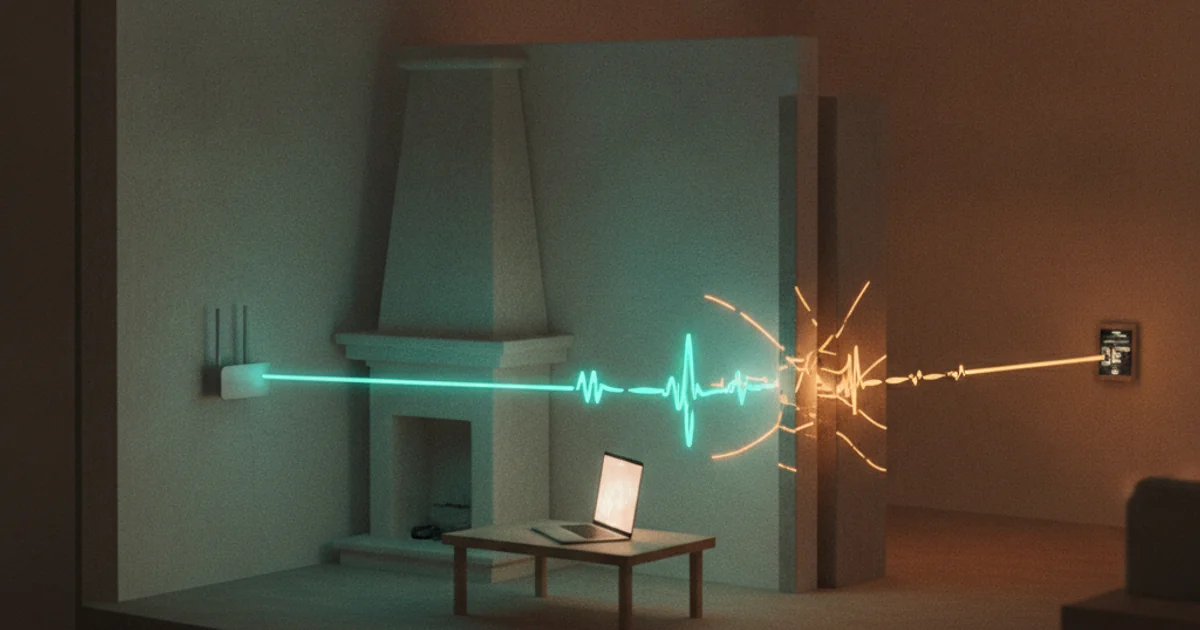
The number one mistake hosts make is assuming the speed they pay for is the speed they get throughout the property. The 200 Mbps your provider advertises is the speed delivered to the modem. By the time that signal travels wirelessly to a guest's laptop in the upstairs bedroom, it's been weakened by walls, distance, and interference.
Think of it like water pressure. You might have great pressure at the source, but by the time it goes through long, narrow pipes to the top floor, it's just a trickle. The same happens with your WiFi signal. Factors that kill your speed include:
- Distance: The farther a device is from the router, the weaker the signal.
- Obstacles: Drywall, plaster, and especially brick or concrete walls can decimate a WiFi signal.
- Interference: Microwaves, cordless phones, and even your neighbors' WiFi networks can interfere with your own.
- Router Age: A router that's more than a few years old may not be capable of handling modern speeds or a dozen connected devices at once.
The counterintuitive truth is you should stop advertising your plan's speed. It's misleading. Instead, you should advertise verified speeds in the specific areas guests will use them, like 'Verified 50 Mbps in the dedicated workspace.' It's honest, builds trust, and attracts the right guests.
The 3-Step WiFi Audit Every Host Should Perform
To know what your WiFi can truly handle, you need to perform a simple audit. I recommend doing this once a quarter and anytime you change your internet plan or equipment. It takes less than 20 minutes.
Step 1: Get Your Baseline at the Router
First, you need to know your best-case scenario. Take your laptop and stand right next to your WiFi router. Connect to the network, open a web browser, and go to a site like Speedtest.net or Fast.com. Run the test. This number is your baseline—the maximum speed your network is currently putting out wirelessly. If this number is significantly lower than what you're paying for, it might be time to call your provider or check your router.
Step 2: The Multi-Room Stress Test
This is where you uncover the real guest experience. Take your laptop or smartphone to the key areas of your rental where guests will need a connection. Run a speed test in each location and record the results. Be sure to test:
- The living room couch (where they'll stream movies)
- The kitchen table
- Each bedroom's nightstand
- Any dedicated workspace or desk
- Key outdoor areas like a patio or deck
In each spot, you need to measure three key metrics: Download Speed, Upload Speed, and Latency (also called Ping).
Step 3: Interpret the Results for Your Ideal Guest
The numbers themselves are meaningless without context. What's 'good enough' depends entirely on who you're trying to attract. Here’s a simple breakdown of what your results mean for different types of guests in 2026:
- The Remote Worker: This guest is your most demanding. They need a stable connection for video calls. Look for at least 25 Mbps Download, a crucial 10+ Mbps Upload, and a Latency under 50ms in your dedicated workspace. A high upload speed is non-negotiable for smooth Zoom calls.
- The Streaming Family: This group needs bandwidth to support multiple devices at once. You'll want at least 50+ Mbps Download in the living room and bedrooms to handle a few 4K Netflix streams simultaneously. Upload speed is less critical for them.
- The Casual Browser: If your guests are mostly there to disconnect, they'll be happy with 10+ Mbps Download for checking email, social media, and basic browsing.
By understanding these profiles, you can see if your WiFi is a feature or a liability for your target audience.
How to Fix Common Vacation Rental WiFi Problems
If your audit reveals dead zones or slow speeds, don't panic. Most issues are fixable.
Problem: Dead Zones in Bedrooms or Patios
The best solution for this, and the standard for whole-home coverage for years, is a mesh WiFi system. Unlike a single router, a mesh system uses multiple nodes placed around your property to blanket the entire space in a strong, consistent signal. According to experts at The New York Times' Wirecutter, modern mesh systems are easy to set up and manage from a simple app.
Problem: Slow Speeds Everywhere
If even your baseline test at the router is slow, the issue is likely your internet plan or your hardware. First, call your Internet Service Provider to confirm you're getting the speeds you pay for. If that checks out, it's probably time to upgrade your router. A model from the last two or three years will make a world of difference.
Problem: The Password Hassle
Once your network is solid, the final touch is making it effortless for guests to connect. Nothing says 'I care about your experience' like removing a small, common frustration. I tell every single host to create a QR code for their network. It takes two minutes, costs nothing, and guests consistently mention it in reviews. Our free WiFi QR Code Generator can create a branded, printable sign in seconds. Want to go a step further? A branded guest WiFi page turns that same QR into a marketing channel — guests connect in a tap while you capture their email for repeat direct bookings.
Your Action Plan for Better WiFi
Great WiFi is no longer an optional upgrade. It's a core utility that directly impacts your reviews, your search ranking, and your revenue. Stop guessing and start testing.
Here's your plan for this week:
- Perform the 3-Step Audit: Grab your laptop and walk your property. It will take 15 minutes.
- Identify and Fix Your Weak Spots: Order a mesh system, call your ISP, or upgrade that old router.
- Update Your Listing Description: Replace vague promises with verified facts. Say, 'Perfect for remote work with 50 Mbps download / 20 Mbps upload in the office.'
- Improve the Guest Experience: Create a WiFi QR code and place it in your welcome book or on the fridge.
Taking these steps moves you from a reactive host who deals with complaints to a proactive host who builds a reputation for quality and reliability.
Knowing how amenities impact your search position is crucial. Small improvements in guest experience lead to better reviews, which can have an outsized impact on your visibility. Tools like our Airbnb Position Tracker help you connect the dots, showing you how positive changes to your listing can move you up in search results over time. It’s about making smart, data-driven decisions that grow your business.
Want to dive into your booking analytics and uncover what drives bookings?
Get StartedNewsletter
Get hosting tips in your inbox
Strategies, trends, and insights. No spam.