
WiFi QR Code: Fix the #1 Guest Complaint in 3 Minutes
The Message Every Host Dreads at 10pm
A host in Asheville messaged me last spring. She had a 4.7-star rating — solid — but kept getting dinged on "communication" in reviews. She couldn't figure out why. She responded fast, sent detailed check-in instructions, and kept her welcome book updated.
Then I asked her: "What's the first thing guests message you after check-in?"
She didn't even have to think. "The WiFi password."
Every. Single. Guest.
That's not a communication problem. That's a friction problem. And it has a three-minute fix that most hosts still haven't used.
In this guide, I'll show you exactly how a WiFi QR code for your vacation rental works, where to put it, how to brand it, and what happens to your reviews when you do.
Why WiFi Is a Make-or-Break Hospitality Moment
We treat WiFi like a utility. Guests treat it like oxygen.
Think about what happens in the first ten minutes of any stay. Guests walk in, drop their bags, and reach for their phones. They want to share a photo, check in on social media, or just get off cellular data. The moment they can't connect instantly, the experience has already started on the wrong foot.
According to Wirecutter's vacation rental gear guide, reliable WiFi consistently ranks as the top amenity guests expect — above smart TVs, hot tubs, and even kitchen equipment. Not having it is a dealbreaker. Having it but making it hard to access is almost as bad.
J.D. Power's hotel satisfaction research has tracked this pattern for years in traditional hospitality: connectivity friction is one of the top five drivers of negative guest sentiment. Short-term rentals are no different. Hosts in the Airbnb Community Center and BiggerPockets forums report WiFi-related messages as their single most frequent guest contact point — often accounting for 30–40% of all mid-stay messages.
That's not a small problem. Every one of those messages is a moment of friction. And friction kills five-star reviews.
What a WiFi QR Code Actually Does
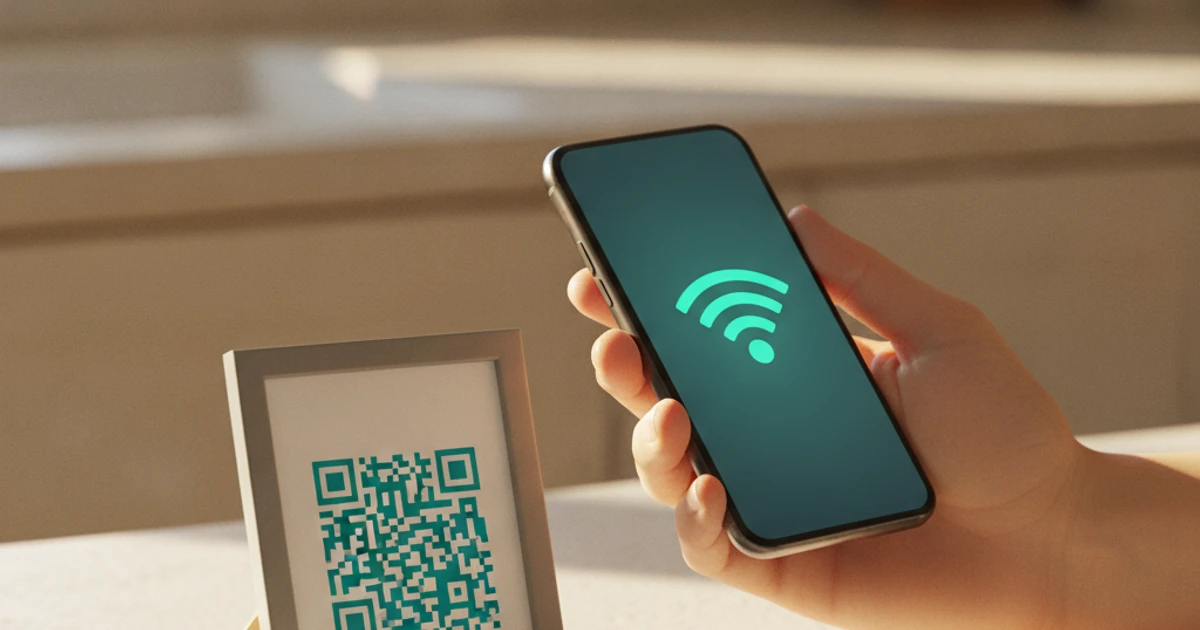
A WiFi QR code encodes your network name and password into a scannable image. When a guest points their phone camera at it, their device automatically prompts them to join the network. No typing. No squinting at handwritten passwords. No "wait, is that a capital I or a lowercase l?"
The whole interaction takes about four seconds.
I've been recommending this to hosts for a while now, and the reaction is always the same: "That's it? Why didn't I do this sooner?"
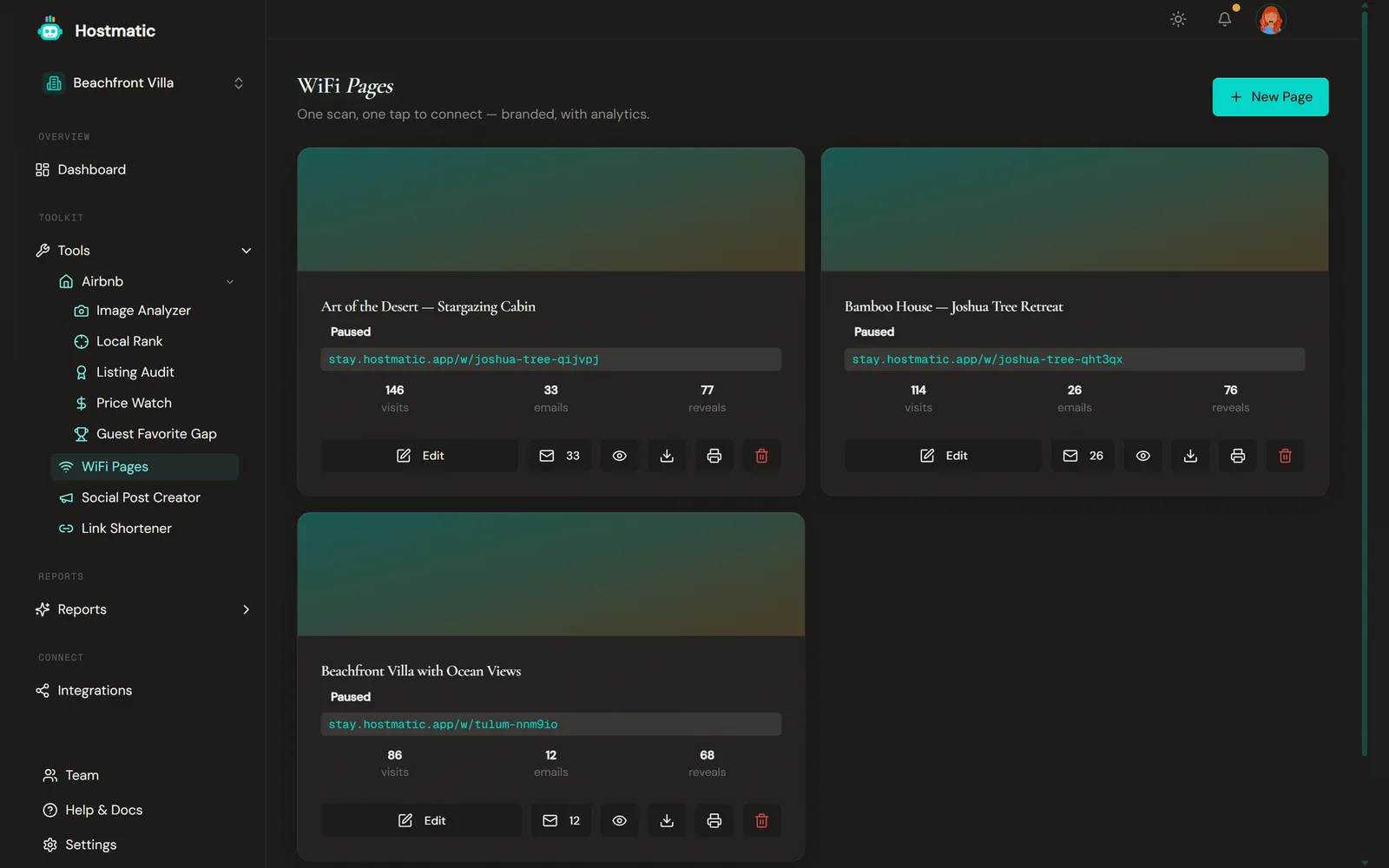
Hostmatic's WiFi QR generator makes it even simpler. You enter your network name, password, and security type — the tool generates a clean, printable QR code in seconds. No watermarks, no ads, no account required. You can print it, frame it, drop it in your welcome book, or stick it on a card next to the coffee maker.
Where to Display Your WiFi QR Code (This Matters More Than You Think)
Here's where most hosts get this half-right. They create the QR code and then hide it in a welcome binder that guests don't open until they're already frustrated.
Placement is everything. The goal is to get the QR code in front of guests before they even think to ask for the password.
The Three Best Spots
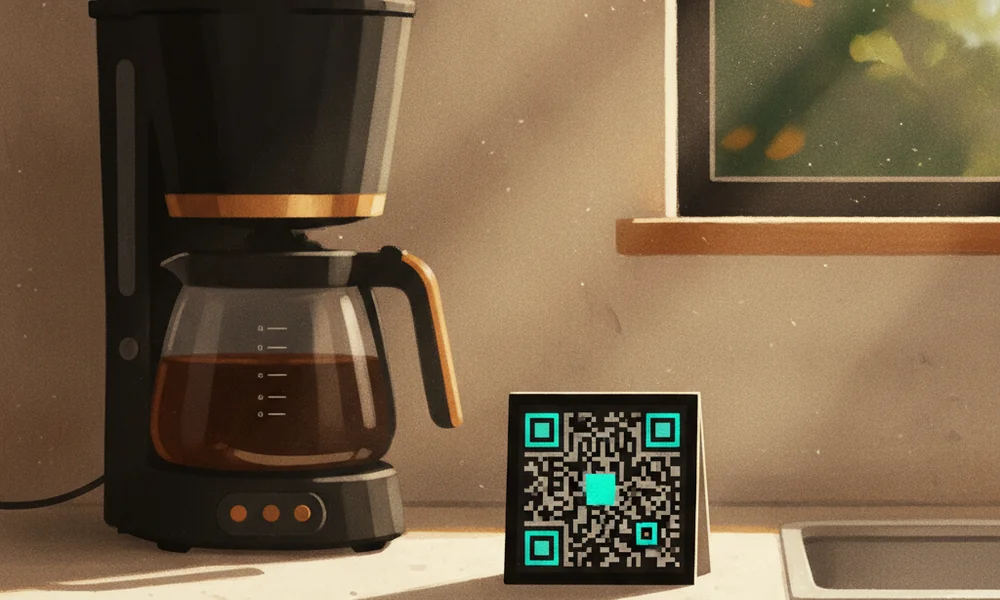
- Kitchen counter or coffee station — Guests head here within minutes of arriving. A small framed card next to the coffee maker gets seen immediately. This is my top recommendation.
- Entry table or key drop zone — Right where guests put down their bags. First thing they see, first problem solved.
- Bedside table in the primary bedroom — For guests who check in late and go straight to the room, this is the rescue location.
The worst place? Page 4 of a welcome binder. The second-worst? Buried in a pre-arrival message they read three days ago and forgot.
Make It Look Like It Belongs There
A QR code printed on plain copy paper and taped to the wall looks like an afterthought. It signals "I didn't really think about this."
A small framed card, a branded acrylic stand, or a laminated card with your property name and a clean design signals intentionality. It says "I thought about your experience before you arrived."
That distinction shows up in reviews. Guests don't write "the WiFi QR code was nice." They write "every detail was thoughtful" — and the QR code is one of ten small things that added up to that sentence.
What Happens to Your Reviews When You Do This
I've tracked this pattern across dozens of hosts who've added WiFi QR codes to their properties. The direct effect isn't always a dramatic rating jump — it's subtler and more valuable than that.
What changes is the language in reviews.
Before: Reviews mention WiFi neutrally or not at all. Occasionally a guest complains about having to ask for the password.
After: Reviews start using words like "seamless," "thoughtful," "easy," and "professional." Not because WiFi is suddenly faster — but because the friction is gone.
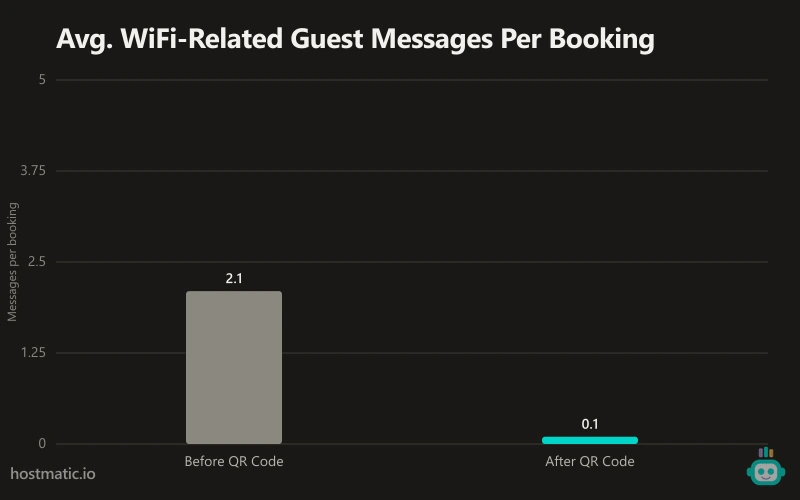
One host in Scottsdale told me she went from averaging two WiFi-related messages per booking to zero in the month after she added the QR code. That's not just a convenience win. That's time back in her day and a cleaner guest experience from minute one.
The Contrarian Take: This Isn't About WiFi
Here's what most guides miss when they write about WiFi QR codes: this isn't really about internet access.
It's about the psychological experience of arriving somewhere new and immediately feeling taken care of.
The first ten minutes of a guest stay set the emotional tone for everything that follows. If those ten minutes are smooth — they get in easily, the place looks like the photos, and they're connected to WiFi without asking — guests relax. They stop auditing. They start enjoying.
If those ten minutes involve friction — a confusing lockbox, a missing welcome note, a WiFi password hunt — guests enter a low-grade critical mode. They start noticing things. The slightly scuffed baseboard. The towel that's a little thin. The small stuff that wouldn't matter if the arrival had gone smoothly.
A WiFi QR code is a $0 investment in that first-impression window. The ROI isn't in the QR code. It's in everything the guest doesn't notice after they've already relaxed.
How to Set One Up Right Now
This genuinely takes under three minutes. Here's the exact process:
- Go to the free WiFi QR generator on Hostmatic. No account needed.
- Enter your network name (SSID) exactly as it appears — capitalization matters.
- Enter your WiFi password.
- Select your security type (WPA2 is standard for most home routers).
- Download the generated QR code as a PNG or PDF.
- Print it. Frame it. Put it somewhere guests will see it in the first five minutes.
Test it yourself before guests arrive. Open your phone camera, point it at the code, and make sure the connection prompt appears. Takes ten seconds.
If you want to get slightly fancier, add your property name above the QR code and a short line like "Scan to connect — no password needed." That framing sets the expectation and makes the interaction feel intentional rather than accidental.
One More Thing: Change Your Password Strategically
Here's a detail that trips up hosts who do this right and then undo their own work.
If you change your WiFi password between guests — which some hosts do for security — you need to regenerate and reprint the QR code every time. Obvious in hindsight, but I've seen hosts print a beautiful framed card and then change their password three weeks later without updating the code.
My recommendation: set a strong, permanent password and stop rotating it. The security benefit of rotating passwords in a vacation rental context is minimal. The cost of a frustrated guest trying to scan a code that no longer works is real.
If you do need to change it, the Hostmatic generator is free and takes 90 seconds to redo. Just make it part of your turnover checklist.
Key Takeaways
- WiFi friction is the most common source of mid-stay guest messages — and one of the top drivers of negative review language.
- A WiFi QR code eliminates the friction entirely. Guests scan, connect, done.
- Placement matters: kitchen counter, entry table, or bedside table — not buried in a binder.
- The real payoff isn't about WiFi. It's about a smooth arrival that puts guests in a generous mindset.
- Hostmatic's WiFi QR generator is free, takes under three minutes, and requires no account.
- Don't rotate your password unless you update the QR code to match.
The hosts who sweat the small stuff — the ones who think about the first ten minutes of a guest's experience — are the ones who consistently outperform on reviews. This is one of the smallest, fastest wins available to any host on any platform.
Do it today. Print it tomorrow. Stop answering that message forever.
Want to dive into your booking analytics and uncover what drives bookings?
Get StartedNewsletter
Get hosting tips in your inbox
Strategies, trends, and insights. No spam.